
Appearing in the top 3 Google Maps listings is the fastest way to win local buyers in India. Dominate map packs by completing your Google Business Profile, ensuring consistent Name/Address/Phone (NAP) details, earning genuine reviews, and updating profiles with local photos.
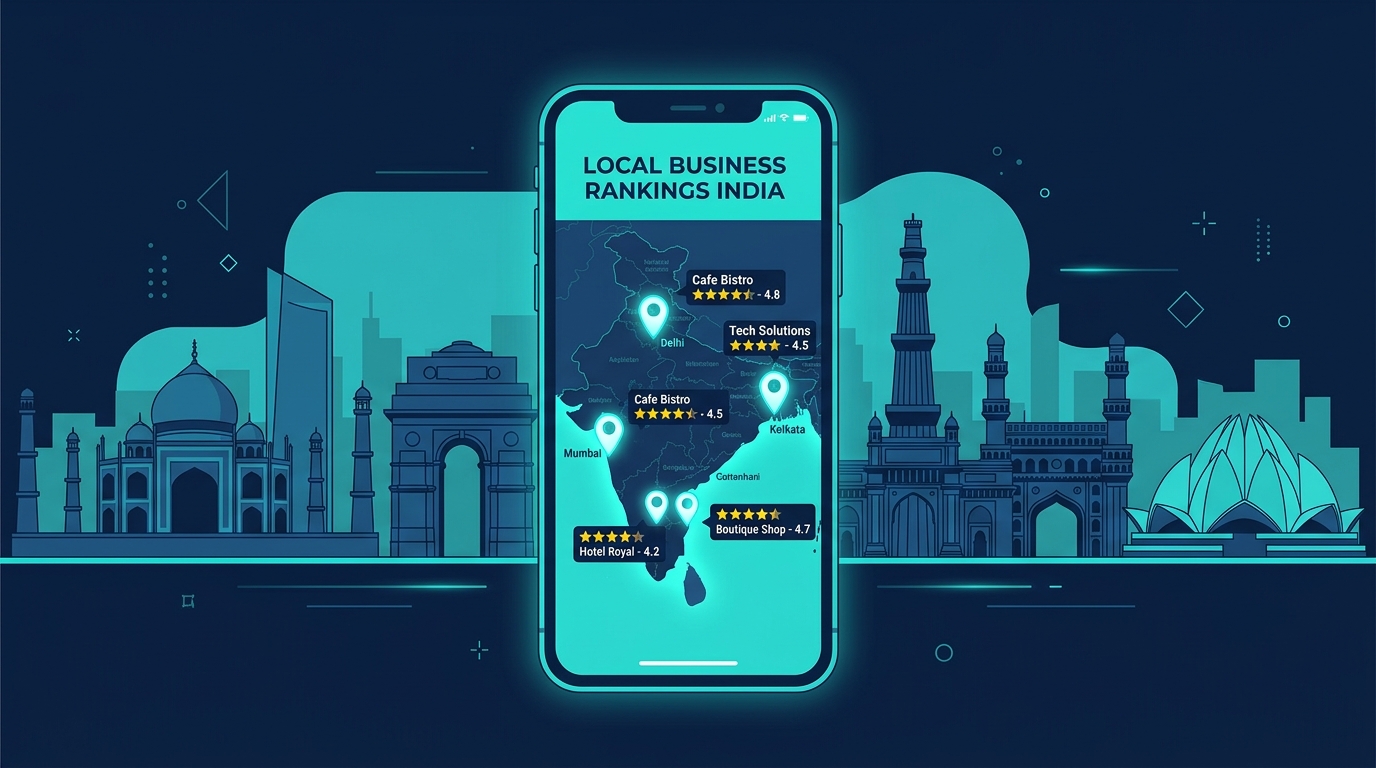
When someone nearby searches for what you offer, Google shows a map with the top 3 businesses first, complete with ratings, photos and a call button. Most people call one of those three. They rarely scroll further.
That top 3 spot, often called the "local pack" or "map pack", is the most valuable position in local search. This guide shows you, in simple steps, how to get there.
The good news for Indian businesses:
- Most of your competitors have not optimised their profile properly.
- Studies suggest only about a third of small businesses have even claimed their Google listing.
- That means the top spots are often winnable with the right, honest effort.
First, what actually decides your Google Maps ranking
Google decides your map ranking on three simple things. Everything else feeds into these.
- Relevance: How well your business matches what the person searched for.
- Distance: How close you are to the person searching.
- Prominence: How well-known and trusted your business appears to be.
Here is what that means for you:
- Distance you cannot control. A customer will see businesses near them, not far away. That is fixed.
- Relevance and prominence you can control. This is where the work happens, and where you win or lose.
Simple way to remember it: Google wants to recommend the most relevant, most trusted business that is closest to the searcher. Your job is to be the most relevant and most trusted, so you win every time distance is equal.
Step 1: Claim and fully complete your profile
Your Google Business Profile is free. An incomplete one is the most common reason businesses stay invisible.
- Claim your profile at google.com/business if you have not already.
- Fill in every single field. Name, address, phone, website, hours, everything.
- Keep your details accurate. Wrong hours or an old phone number quietly hurt you.
A fully complete profile can get several times more clicks than an incomplete one. Every field you fill gives Google more reasons to show you.
Analogy:An incomplete profile is like a shop with half the signboard missing. People are not sure what you sell or if you are even open, so they walk past.
Step 2: Choose the right business categories
Your category is one of the strongest signals Google uses to decide what searches you show up for.
- Pick the most accurate primary category. "Dental clinic", not just "clinic".
- Add relevant secondary categories for your other services.
- Do not stuff unrelated categories. It confuses Google and can backfire.
Local SEO experts rank the primary category as the single most important factor for map ranking. The right category puts you in front of the exact customers searching for your service.
Step 3: Get more reviews, steadily
Reviews are one of the biggest trust signals for both Google and your customers.
- Ask happy customers to leave a Google review, right after a good experience.
- Make it easy. Share your review link over WhatsApp so it is one tap for them.
- Keep them steady. A regular flow of new reviews beats a sudden burst, then silence.
- Reply to every review, good or bad. It signals an active, caring business.
More reviews and higher ratings improve your ranking and your trust. In 2026, recent reviews matter more than ever. Consistency wins.
Analogy:Reviews are word-of-mouth, made visible. A steady stream of recent, genuine praise is the modern version of a shop everyone in the area recommends.
Important: Never buy fake reviews. Google detects this and can penalise or suspend you. Genuine reviews are the only ones that help.
Step 4: Add real photos, regularly
Photos make your profile look alive and trustworthy, and they influence ranking.
- Add real photos of your shop, team, work and products.
- Set a clear cover photo and logo.
- Add new photos regularly, at least once a month.
Businesses with more photos get more clicks and more direction requests. Fresh photos signal to Google that your business is active.
Step 5: Post updates on your profile
Most businesses ignore this, which makes it an easy way to get ahead.
- Share short posts: offers, news, updates, events.
- Post regularly to show Google your profile is active.
Regular posting signals freshness and engagement. Active profiles tend to rank better than stagnant ones.
Step 6: Keep your details identical everywhere (NAP)
NAP means Name, Address, Phone number. Google checks whether these match across the internet.
- Use the exact same business name, address and phone number everywhere.
- Fix old listings with wrong or outdated details.
- Match your website to your Google profile exactly.
Inconsistent details make Google unsure you are legitimate, which caps your ranking. Many businesses have mismatched details in at least one place without realising.
Analogy:If your address on different signboards around town all said something slightly different, people would get confused and doubt you. Google feels the same way.
Step 7: Strengthen your website behind the profile
Your website and your Google profile work as a team.
- Have a fast, mobile-friendly website linked to your profile.
- Mention your city and areas you serve in your website content.
- Create service and location pages that match what people search.
A fast, mobile-friendly website boosts the prominence and relevance Google sees. It helps you rank in the normal results too, not just the map.
How long does it take to rank on Google Maps?
Honest expectations matter. Here is a realistic picture:
- A brand new profile takes time to build trust. Do not expect day-one results.
- In moderately competitive areas, a fully optimised profile with consistent reviews can reach the top 3 in roughly 1 to 3 months.
- In highly competitive cities and categories, it takes longer and needs ongoing effort.
Ranking on Maps is like building a reputation in your neighbourhood. It grows steadily with consistent good work, not overnight.
Quick checklist: your Google Maps ranking
- Profile claimed and 100% complete
- Accurate primary category, plus relevant secondary ones
- Steady flow of genuine, recent reviews
- Every review replied to
- Real photos added regularly
- Regular profile posts
- Name, address, phone identical everywhere online
- Fast, mobile-friendly website linked and optimised for your city
Tick all of these consistently, and you give yourself the best possible chance at the top 3.