
Ensure your small business site is configured correctly. Essential checklist elements include mobile layout optimization, clear above-the-fold value propositions, visible contact buttons, quick loading speeds, SSL security, and Google Analytics tracking setup.
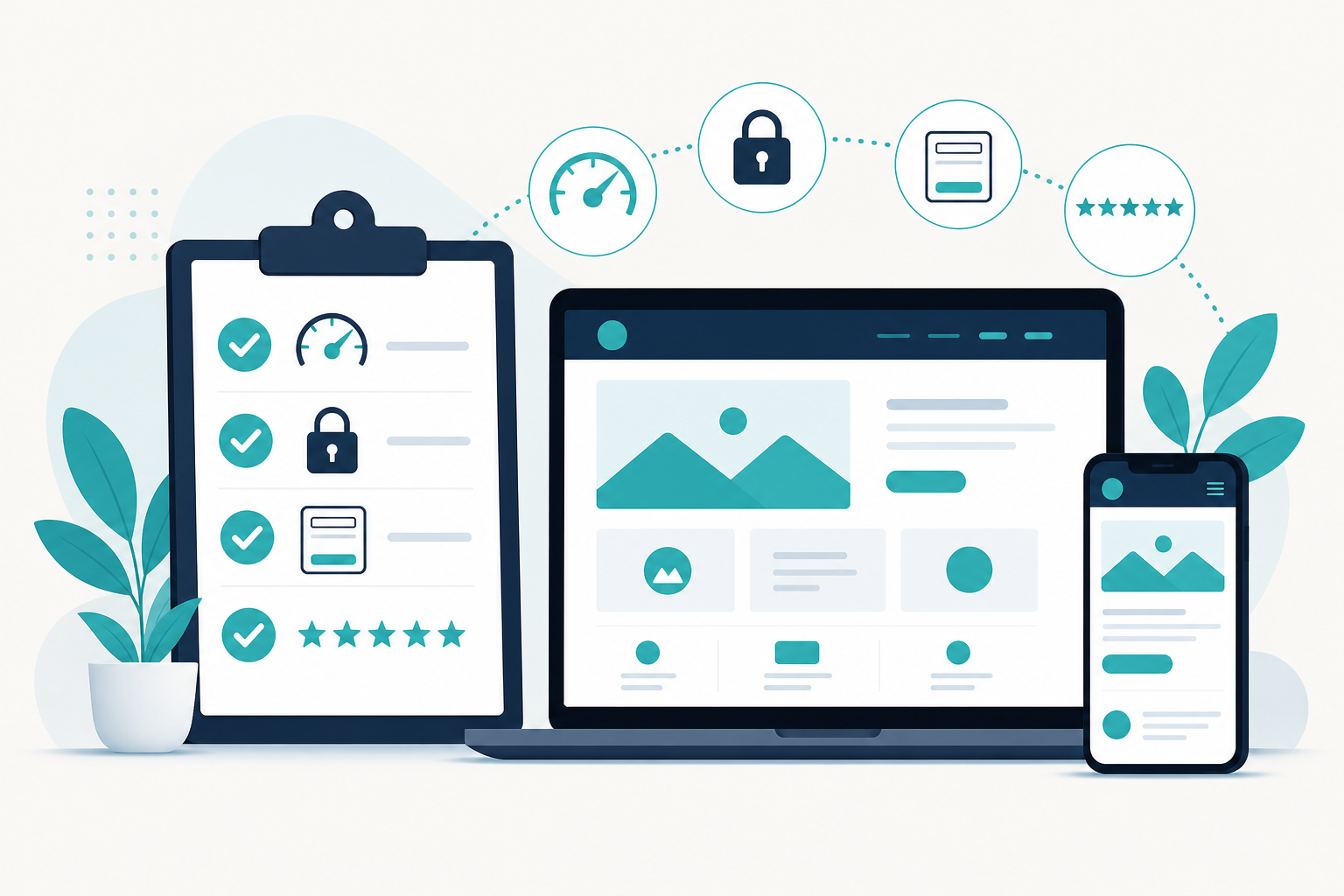
Whether you are building a new website or checking your current one, this simple checklist covers the 10 essentials every small business website in India needs. Miss these, and you lose customers. Get them right, and your website works like your best salesperson.
Go through each point and tick off what your website already has.
1. A clear message in the first screen
- Say what you do, who you help, and where, right at the top.
- A visitor should understand your business in 5 seconds.
- Avoid vague lines like "Welcome to our website."
Why: Half of visitors never scroll past the first screen. If it is unclear, they leave.
2. Fast loading, especially on mobile
- Aim to load in under 3 seconds on a 4G mobile connection.
- Compress images and keep the site light.
Why: Slow sites lose visitors and rank lower on Google. This is key to website speed optimization.
3. Mobile-friendly design
- Your site must look and work perfectly on a phone.
- Text easy to read, buttons easy to tap.
Why: Over 75% of Indian visitors are on mobile. A clumsy mobile-first site loses most of them.
4. An obvious call-to-action
- A clear button telling visitors what to do next: "Get a Quote", "Book Now", "Call Us".
- Visible on every screen, not hidden.
Why: If people do not know the next step, they take no step. Set clear call-to-actions throughout.
5. Easy ways to contact you
- Phone number, WhatsApp, and a short enquiry form.
- Click-to-call on mobile, so one tap dials you.
Why: Every extra bit of effort to reach you loses enquiries.
6. A simple, short enquiry form
- Ask only for what you need: name, mobile, service, maybe a preferred time.
- Add a line like "No spam, no repeated calls" to build trust.
Why: Long forms scare people off. Short, reassuring forms get filled.
7. Trust signals
- Show your Google rating and real reviews.
- Add credentials, certifications, or years in business.
- Place a strong review near your contact button.
Why: People need proof others trust you before they contact you.
8. SSL security (the padlock)
- Your site must run on https, with the padlock in the browser bar.
- This is non-negotiable in 2026.
Why: Without it, browsers warn visitors your site is "not secure", and they leave.
9. Basic SEO setup
- Proper page titles and descriptions.
- Your city and services mentioned in your content.
- A Google Business Profile linked to your site.
Why: Without SEO basics, customers searching for you will not find you.
10. Clear information customers look for
- Your services, prices or "get a quote", timings, location and a map.
- Answers to the common questions customers ask.
Why: If visitors cannot quickly find what they need, they go to a competitor who makes it easy. This checklist serves as a great companion to our Free Website Conversion Guide.
The quick self-check
Count how many of the 10 your website has:
- 8 to 10: Your website is in good shape. Focus on fine-tuning and getting found.
- 5 to 7: You are losing customers you do not need to. A few fixes will help a lot.
- Below 5: Your website is likely costing you business. It is time for a serious review or rebuild.
Analogy: Your website is your best salesperson, working 24 hours a day. This checklist makes sure that salesperson is awake, clear, trustworthy, and always asking for the sale.